Can PostReady record portrait and landscape video at the same time on iPhone?
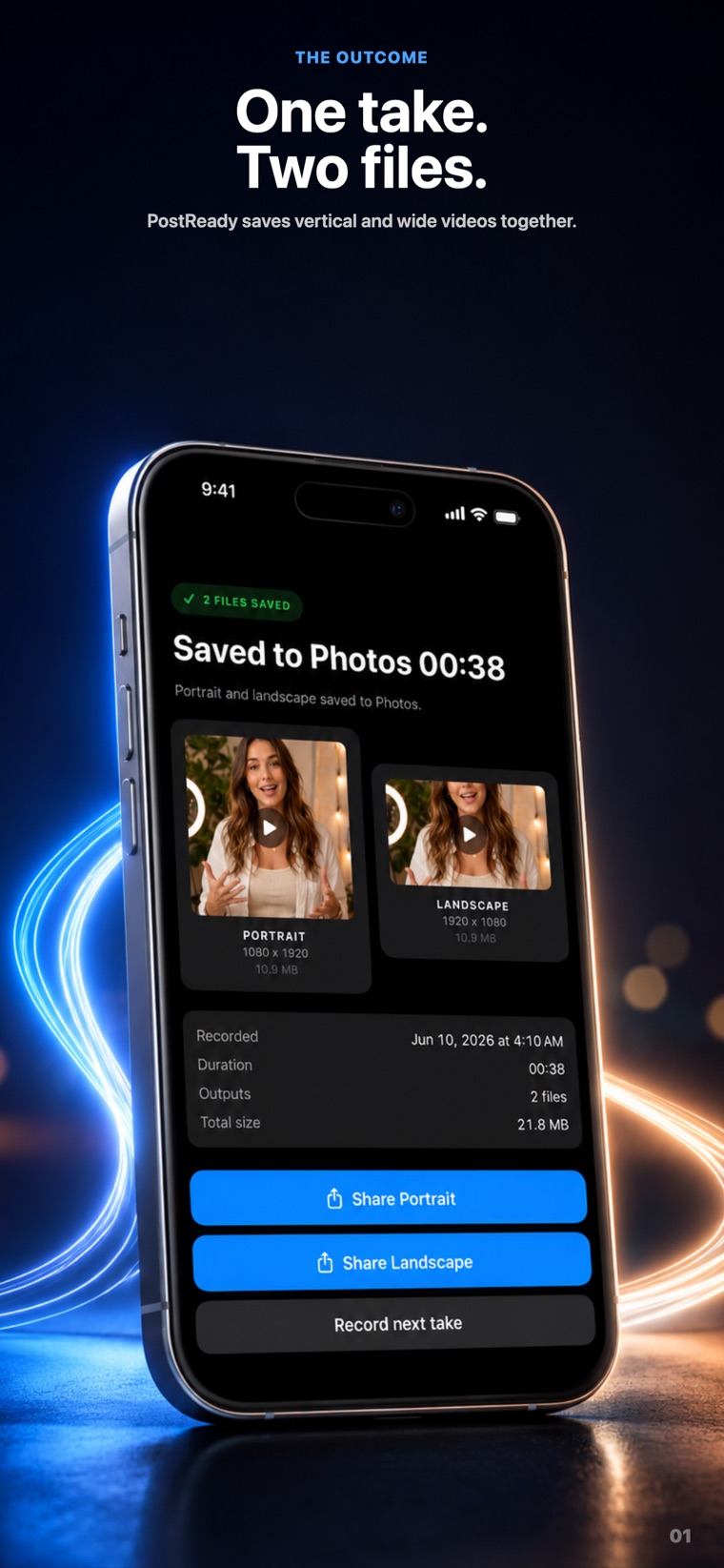
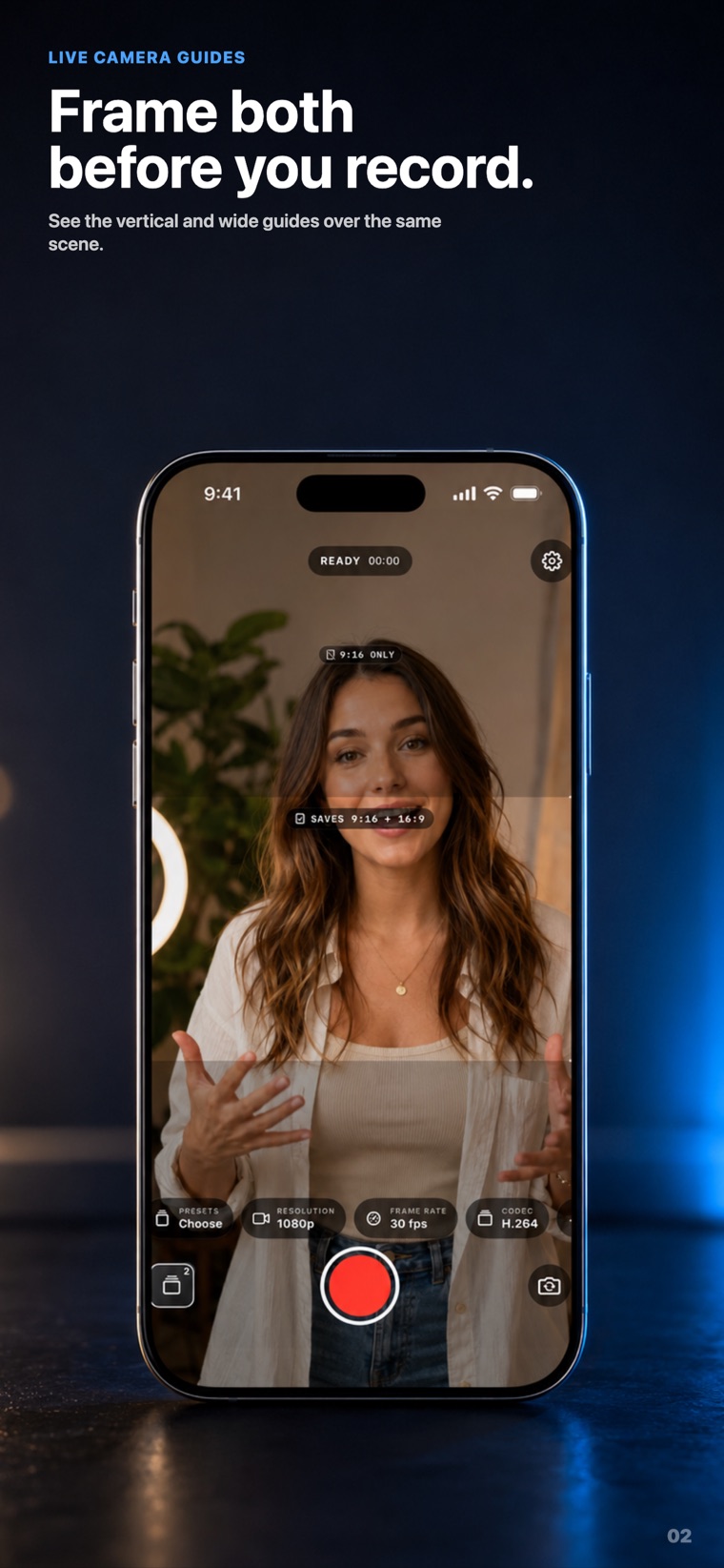
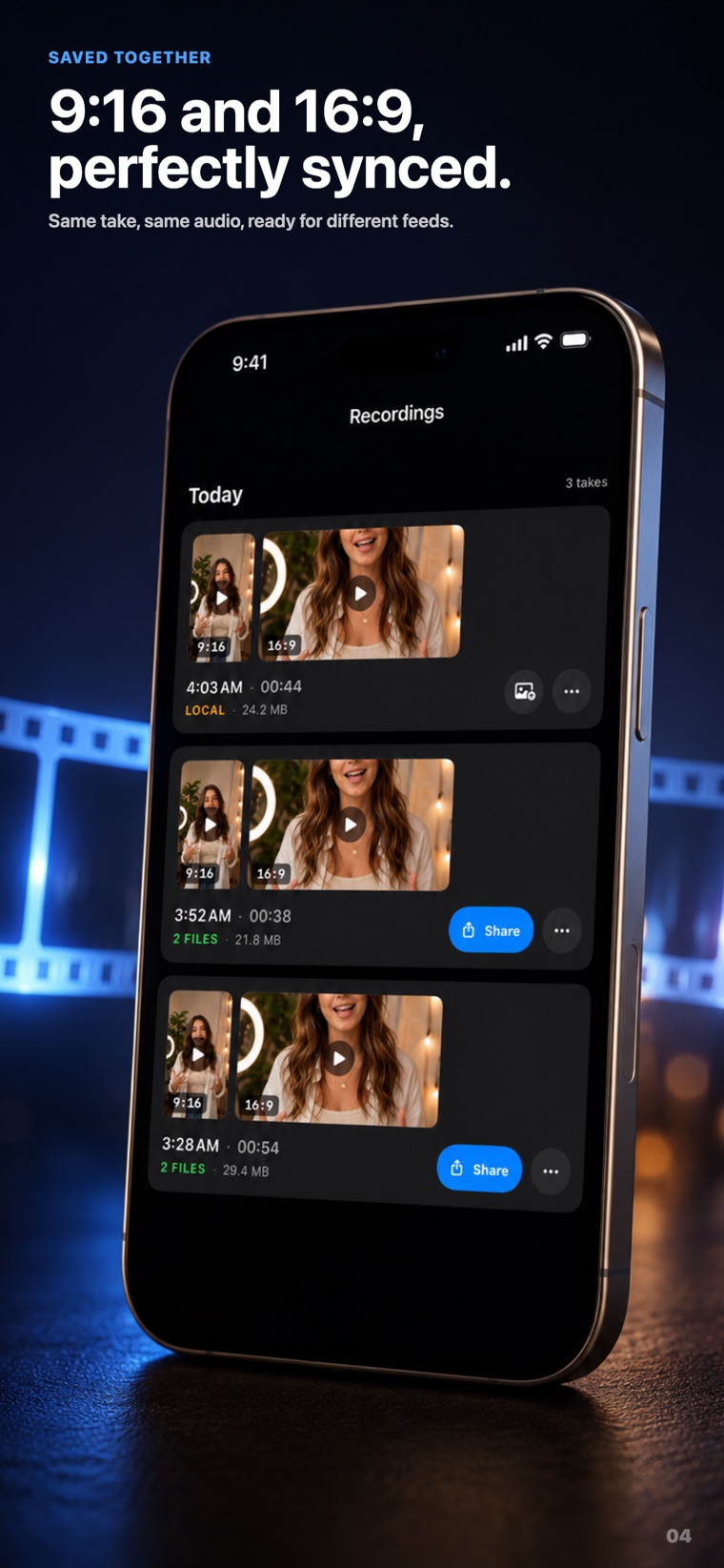
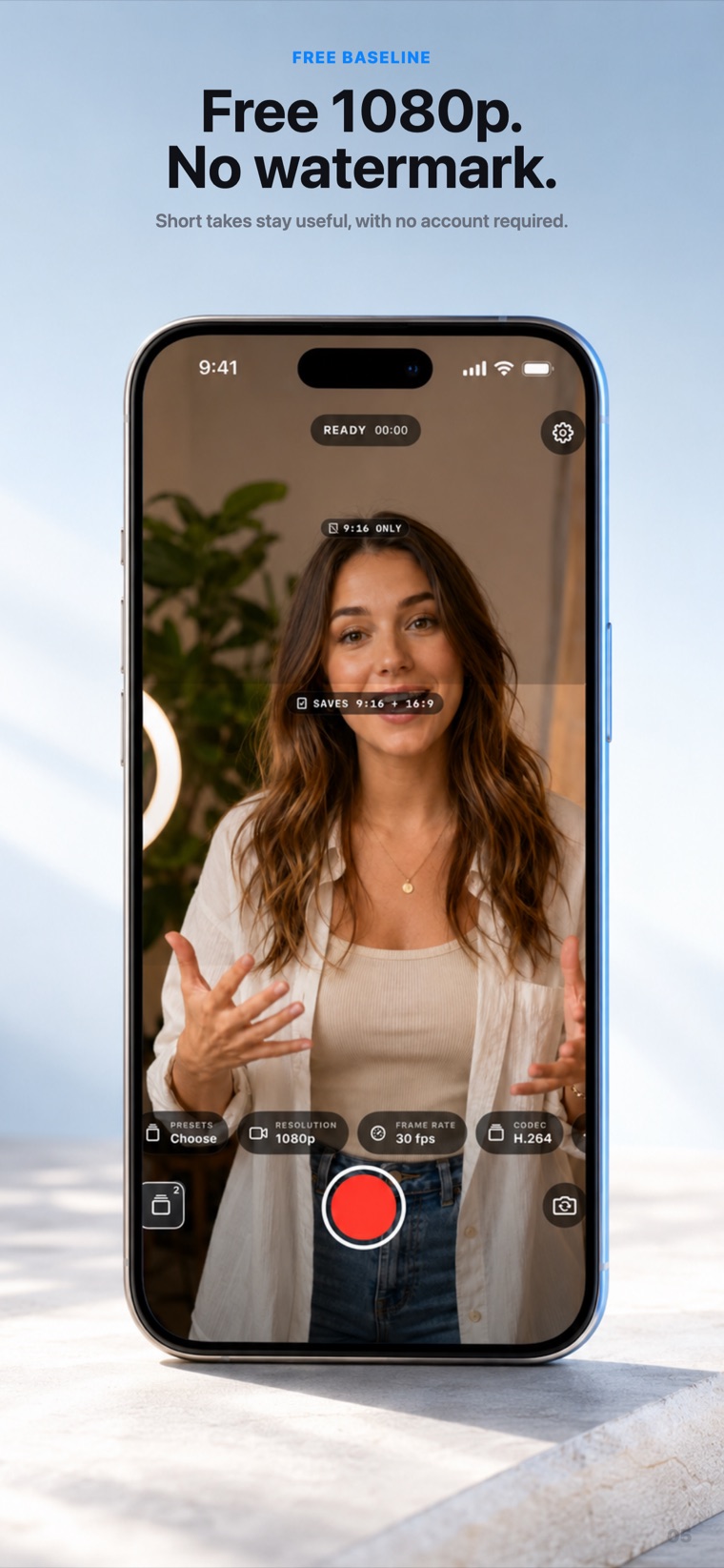
Yes. PostReady records one take from a single lens and writes two crops of that same frame in real time, then saves a portrait 9:16 file and a landscape 16:9 file to Photos at once. You compose with both live framing guides, press record once, and get two synced files with no reshoot and no re-crop.
Does PostReady record the front and back cameras at the same time?
No. PostReady records from one lens at a time. You can switch between the front and back camera, but it does not record both simultaneously, and there is no picture-in-picture, multicam or reaction mode. "Dual" refers to dual aspect ratio, not dual camera.
What does "dual" mean in PostReady?
Dual aspect ratio. From one take on one lens, PostReady saves two cropped files, a portrait 9:16 and a landscape 16:9, so the same moment is ready for a vertical feed and a widescreen destination without shooting it twice.
Are my videos uploaded anywhere?
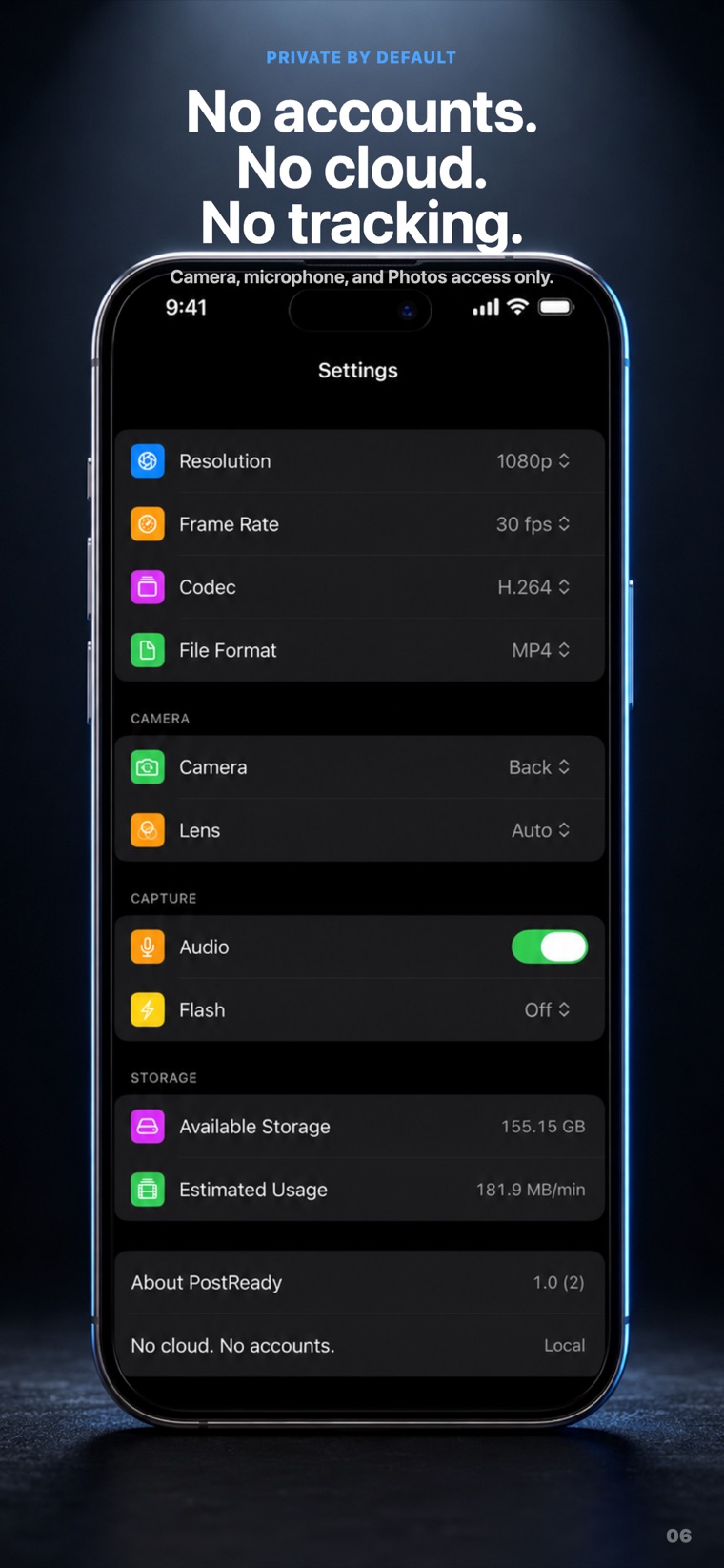
No. PostReady is fully on-device. There is no account, no sign-in, no cloud upload, no ads, and no analytics or tracking SDK, the app does not connect to any server. Photos access is add-only: it saves the videos you keep but cannot read your existing library.
What is free and what needs Pro in PostReady?
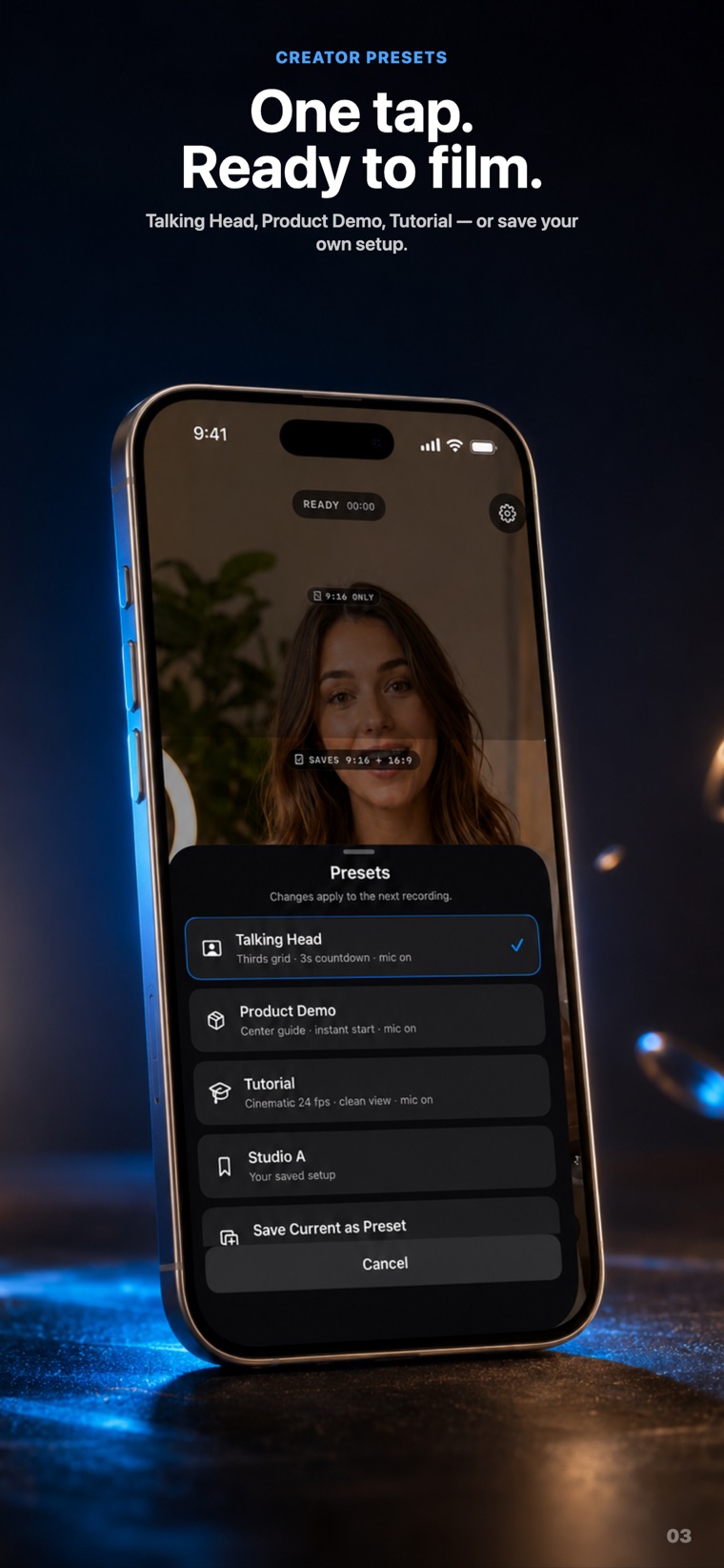
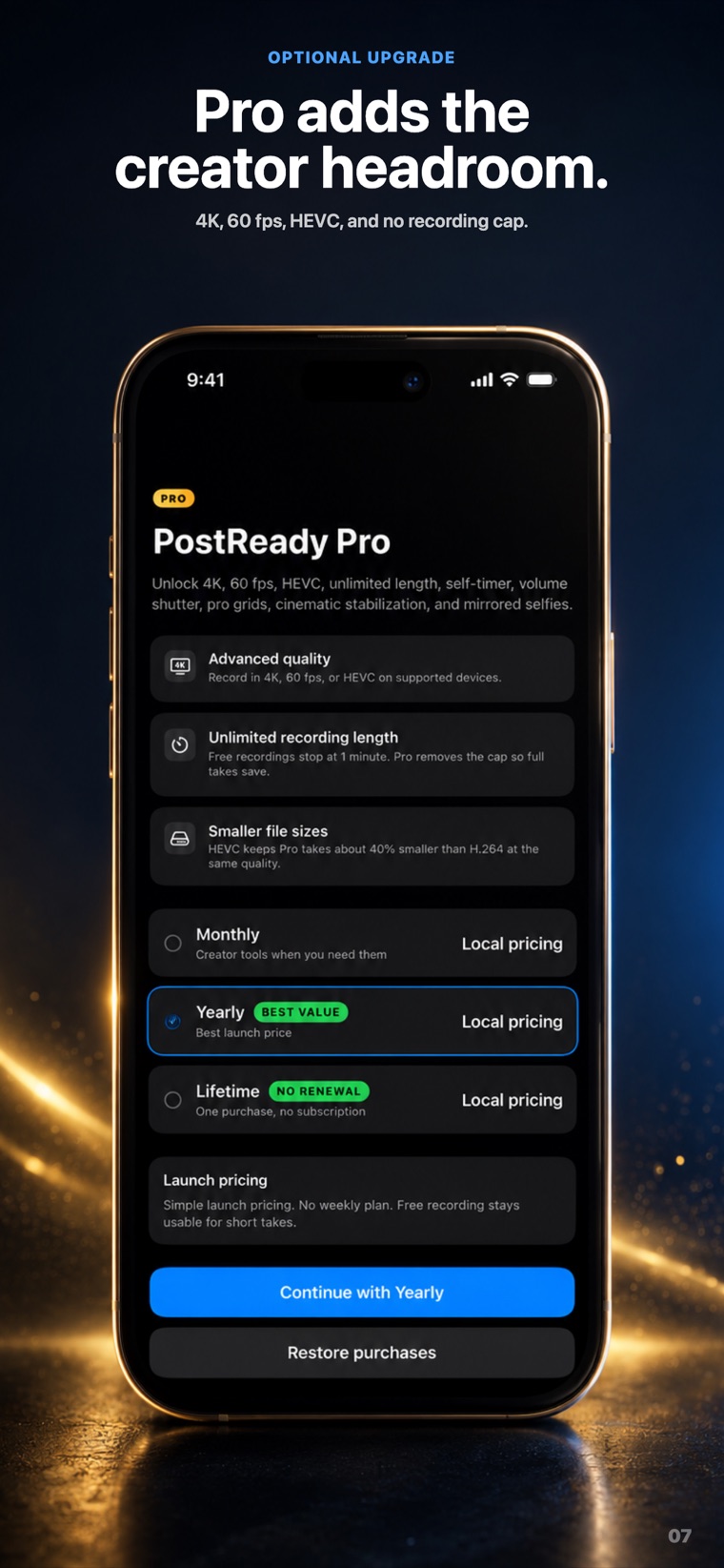
Free saves clips up to 1 minute each at 1080p dual output with audio, no watermark and no account, and keeps your last 20 recordings on device for re-export. Pro removes the 1-minute cap and adds 4K capture, 60 fps, HEVC encoding, self-timer, mirrored selfies and pro composition grids. Pro is sold Monthly, Yearly (with an optional 7-day free trial for new subscribers) or Lifetime, at Apple's local pricing.
Will the saved file match the live crop overlay exactly?
Close, but not pixel-exact. The live crop overlay is a framing guide, not a WYSIWYG preview of the final file, so leave a little margin around the edges of your subject. The 9:16 and 16:9 files are cut from the same source frame, so the two crops stay in sync with each other.
 PostReady Dual Recorder Camera